Landscape Photography Tip Videos


Our latest series of tip videos is now complete. In this latest video Alan Schwab discusses some accessory items to improve your Landscape Photography.

Video 1 – Lens Hoods
Video 2 – Circular Polarizers
Video 3 – Tripods

Your thoughts and comments are always welcome and appreciated.

Outdoor Lighting Tip Videos

In this three part series, Bergen County Camera’s Paul Carretta talks about using reflectors and diffusers to enhance the lighting in outdoor situations.

In the first video, Paul discusses how to add extra natural light in an outdoor setting using a 41″ Promaster reflector.

Next, Paul shows us how to use a diffuser to reduce the amount of harsh shadows on a subject.

Lastly, Paul demonstrates how one can use a silver reflector to amplify sunlight.

Lightroom Error on Export – ShellExecuteExW

Are you getting the following error when attempting to export in Lightroom 4? If so, here’s a fix to a problem that took us some time to figure out in the digital lab. Specifically, the error message is – An internal error has occurred: Win32 API error 2 (“The system cannot find the file specified.”)when calling ShellExecuteExW from AgWorkspace.shellExecute .

This error seems to occur for users that have upgraded from earlier versions of Lightroom to the latest version. The fix is very simple and once complete you should not experience the error again.

Lightroom Export Dialogue box
After selecting export and choosing your options . . .


You receive the following error message.

Lightroom Error Message
The fix is simple – scroll down in the export options window to post processing options. If you are expereincing this error message most likely your post processing after export field is blank as shown below.
Lightroom Export before fix

Just change the selection to do nothing or any other option and continue to export. You will not receive the error message and your images will be exported as expected.

Lightroom Export window after fix


Leica M9 Firmware V 1.196

M9 Firmware Version 1.196

Performance improvements:

  • Further improvements to SD-Card compatibility.
  • Implementation of Lens detection for the new APO-Summicron-M 1:2/50mm ASPH.
  • Improved power management – The camera is now measuring battery stability internally. In the case of a weak battery, the camera switches off automatically.
  • Before this update, using older batteries could have lead to camera crashes and banding stripes (under certain conditions).

Leica is recommending that batteries be replaced for the M8 and the M9 after 3 years.

Here’s the full list of improvements in this update.

Download Leica M9 firmware version 1.196

HDR with Photomatix Software

Article by Heather Lang – Bergen County Camera

Photomatix software and demo software available from www.hdrsoft.com

The leading software for high dynamic range photography is Photomatix, and for good reason too. It is loved by many photographers, including Trey Ratcliff who specializes in HDR photography. (He’s one of my favorite photographers!) He published a book in 2009 titled, “A World in HDR” which explains and shows you the steps of the Photomatix software.


When I first bought and tried out Photomatix, I found it a bit confusing and intimidating with the many options and toolbars. However with some practice, it’s easy to get what you are looking for in your image and the options can really help you find the right look. The tone mapping can turn a dull photo into something truly surreal looking.

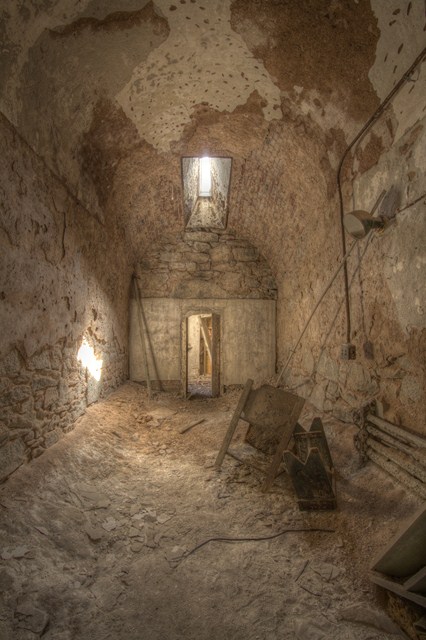
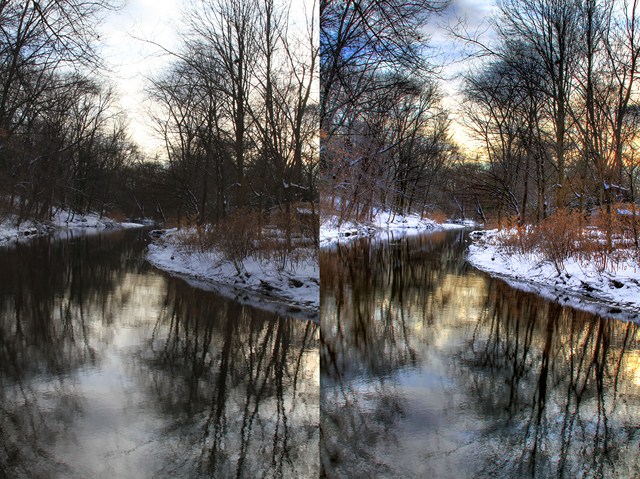
I haven’t tried any other HDR programs out there besides Photoshop’s “Merge to HDR Pro”- which in my opinion is anything less than pro. Compared to Photomatix the images look very ‘blah’ and less detailed. The examples I provided below shows the same batch of images processed with Photomatix & Photoshop. You’ll see a major difference.


What I like about Photomatix is the ability to make HDR images from batch processing. So instead of just a single HDR, you can do many at a time. Photomatix also isn’t just to give images a ‘dreamy’ effect, it really can help your highlights and shadows. As an example, look at my river shot. The sky was blown out, and Photomatix gave back some life to it. Overall, I really do enjoy using Photomatix and look forward to creating more HDR images with the program for the future.

We’d love to hear you comments and questions – use the comment form, stop in or send us an email!

Photo Meetup – Rockland Boulders Dugout Experience & Fireworks

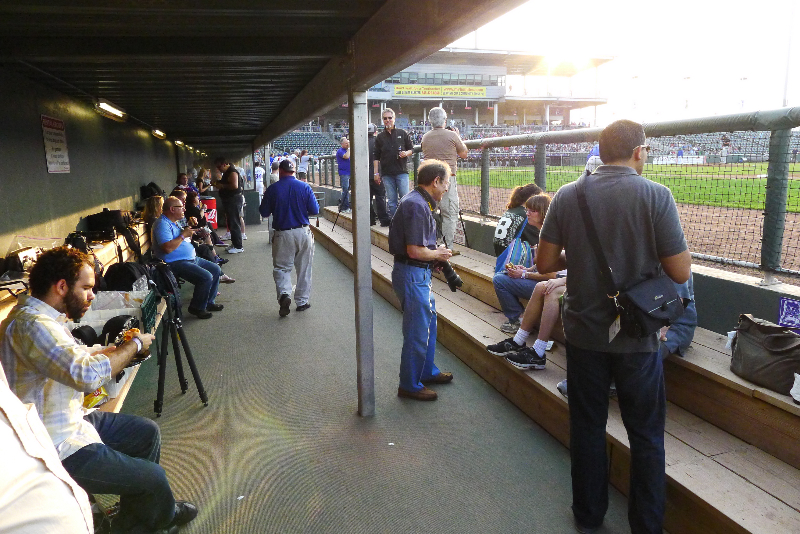
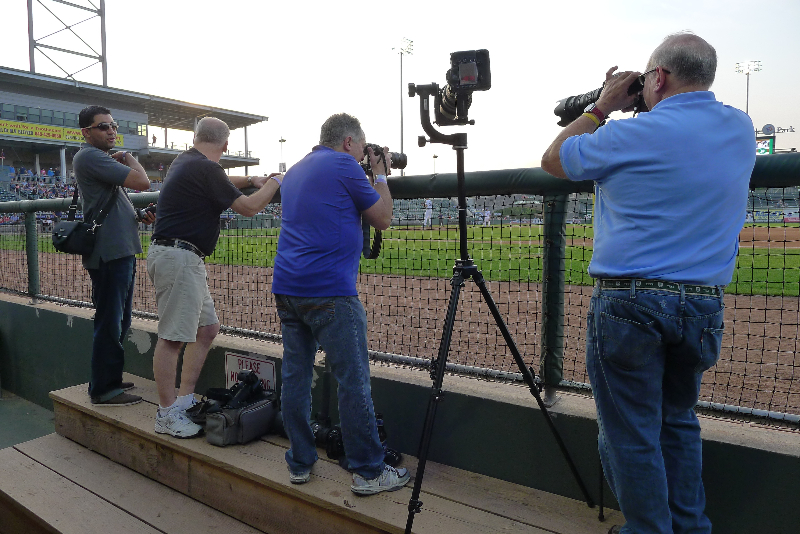
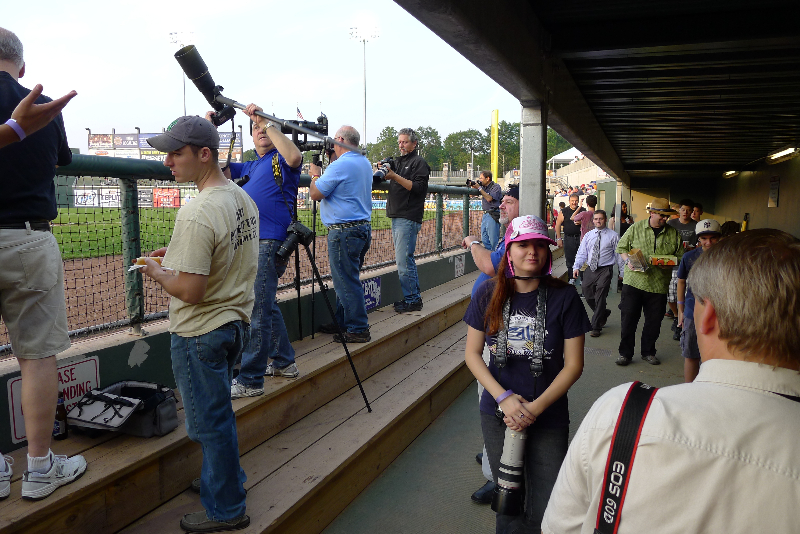
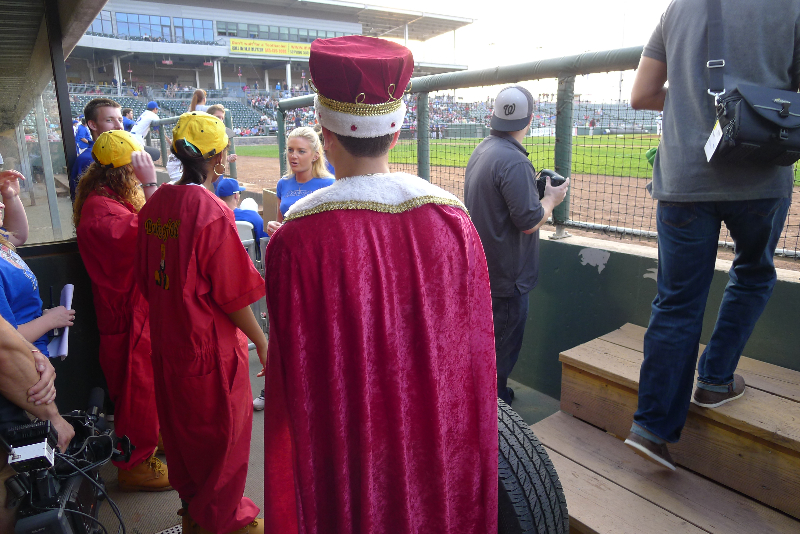
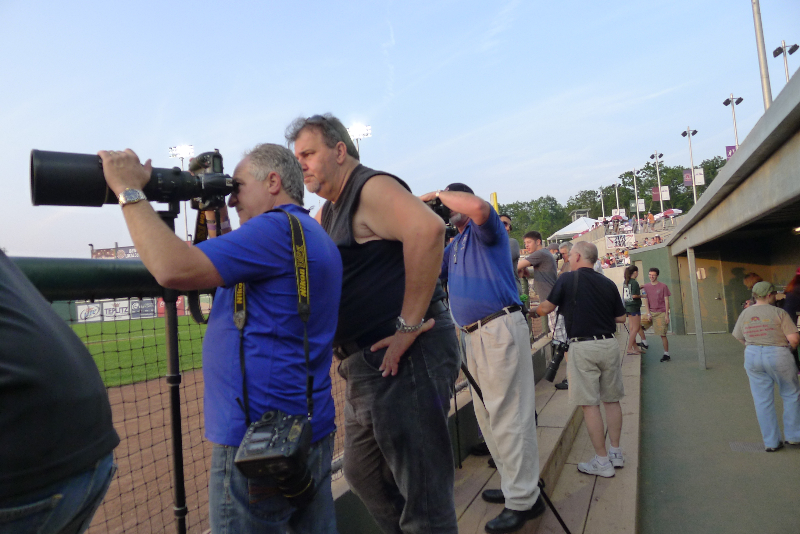
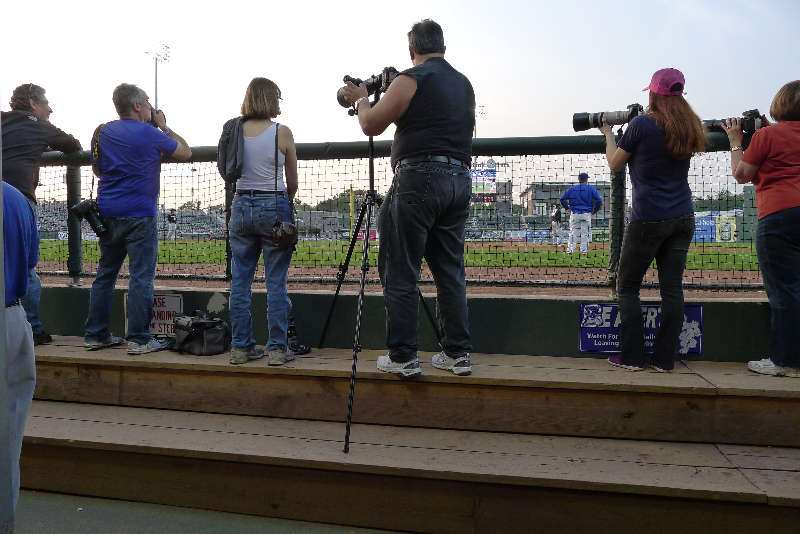
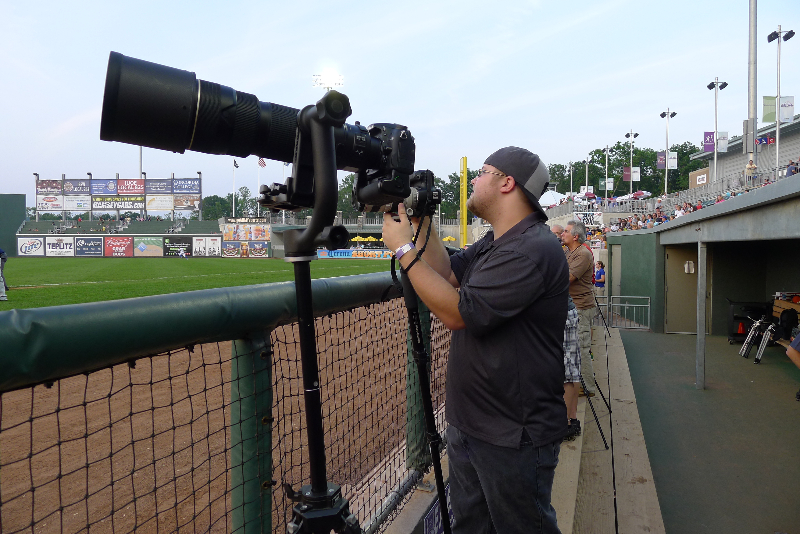
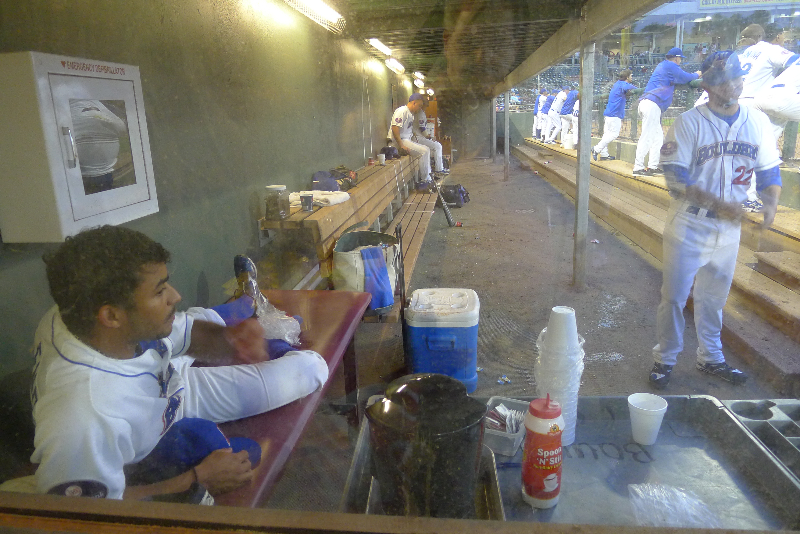
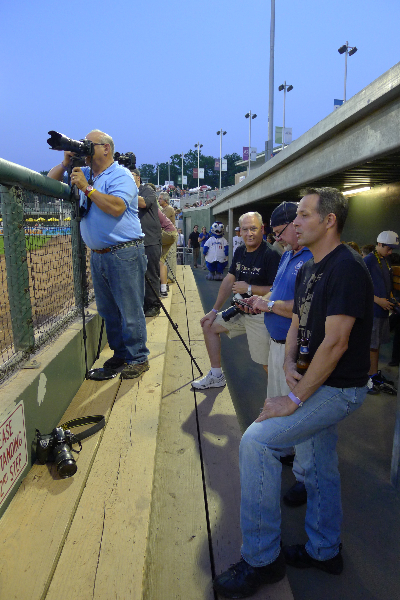
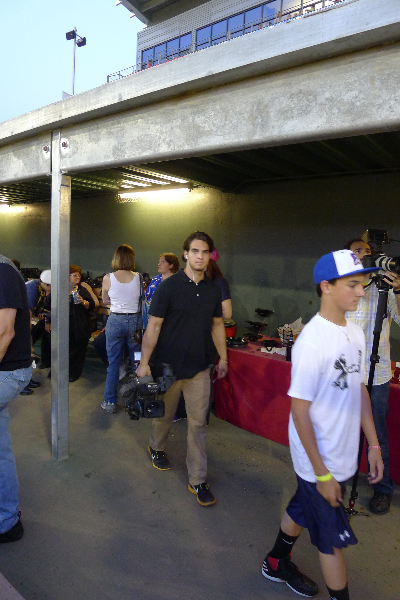
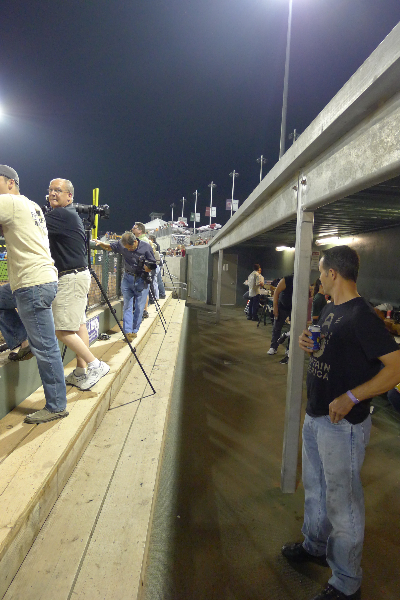
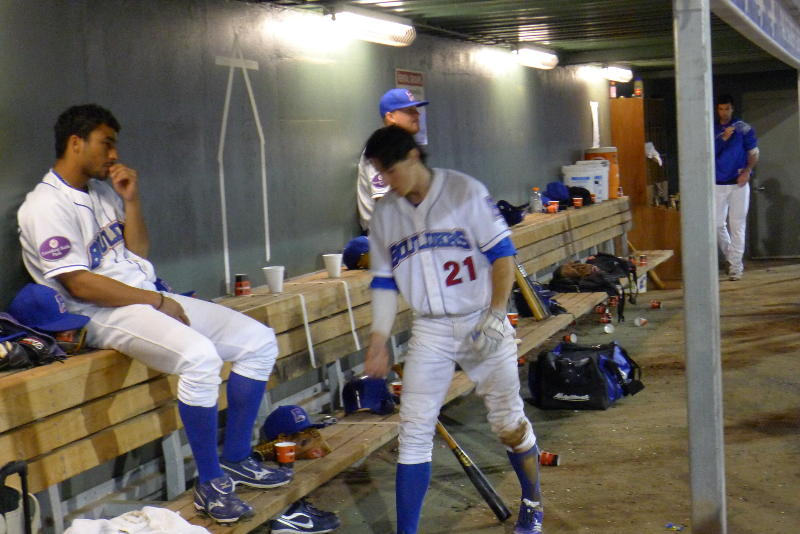
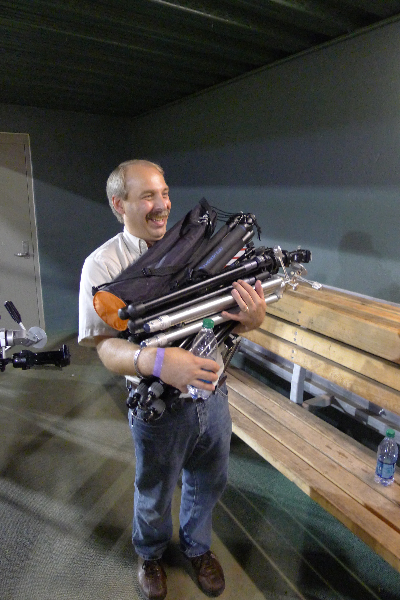
Join Bergen County Camera for an exciting opportunity to photograph a Rockland Boulders baseball game from the Dugout! So whether you are looking to build your sports photography portfolio or just love baseball and photography, this should be a great event. This is a meet-up trip and does not include transportation. Ticketing details will be provided to all attendees. Parking is $5 per vehicle. We will meet at the front entrance to the Rockland Boulders stadium on Thursday, August 9, 2012 at 6:30PM. Ballpark food and refreshments will be served in the Dugout before the start of the game at 7PM. Our group will have exclusive access to the Dugout right next to the Boulders dugout. We’ll have all our long Nikon and Canon lenses for you to try out during the event.

A pre-trip lecture will be held in our Westwood store on Tuesday, August 7th, 2012, from 6:30pm to 7:30pm. The pre-trip lecture will cover what you should expect, what to bring, and how to get the best shots! Tickets are $50.00 each and include access to the Dugout and ballpark refreshments.

Rockland Boulders Dugout Experience – Meetup Rockland County, NY – Thursday, August 9, 2012
Tickets: $50.00 with registration required. Register

Includes: Hamburgers, Hotdogs, water, soda and after game Fireworks!

A release will be required for the Rockland Boulders and Bergen County Camera.

Advance registration required.

Register Now

Please give us a call or send an email if you have any questions about our photo excursions. Hope you can join us!

Free Saturday Focus Sessions – July – August

Focus sessions are free and take place in the Westwood store from 9:30 am – 10 am and our Englewood location from 10:30 am – 11:00 am. All sessions will allow for questions and answers. Please bring your camera and any images along that you have questions about.

Hit the “Like Button” to let your friends know. Have suggestions for future focus sessions? Feel free to leave a comment.

Here’s our upcoming Focus Sessions:

July 7 – Shooting a Baseball Game from the Stands

July 14 – How to Take Great Party Pictures

July 21 – Lightroom 4 in 30 Minutes

July 28 – Sensor Cleaning

August 4 – Critique Your Images

August 11 – Shooting at The Beach

August 18 – “Blue Hour”/Time Exposure – Shooting at Dusk

These are free events – bring a friend along if you’d like. Share with your friends on Facebook – Click the Like button below. Hope you can join us!

Fireworks Photography Tips – July 2012

Where to photograph fireworks
North Jersey’s parade, firework and celebration map

Here are some basic starting points

If you have any questions, stop by the store, email or call. We’re here to help. Please let us know if you get some great shots we’d love to see!
Please feel free to leave your comments and suggestions. Have a great 4th of July Holiday weekend from all of us at BCC.

Find a fireworks display on NorthJersey.com’s 4th of July celebrations page.

Tripod
Electronic release (available for most cameras at BCC) or 2 second self timer to eliminate the motion caused by pressing the shutter button.
Manually set your camera ISO to 100 (You do not want Auto ISO)
Lens Choice – Wide Angle Zoom to frame what you’d like to capture
Auto White Balance or Daylight
Set your lens to manual focus then focus to infinity (take a test image and make sure things are sharp)
Set your camera to Manual exposure – Try 5 seconds at f/ 16
Carefully release the shutter if not using a release to capture from one to several bursts
Evaluate your exposure – Shorter exposures (or smaller apertures ) will darken the image and capture shorter trails, Longer exposures (or larger apertures ) will lighten the image and capture longer trails.
Evaluate sharpness by zooming in on your image – adjust as needed

If you are using a point a shoot, check your camera’s manual for fireworks mode.

Improving Fireworks photos
Shoot with a tripod – it will give a more natural cascade of light

Shooting the Finale!
The finale is many times brighter than rest of the show. Be ready to choose a shorter exposure or smaller aperture to prevent overexposure. The exposure you need is dependent on the number of simultaneous bursts. In some really incredible finales I’ve found myself shooting at 1/4 or 1/8th of a second. Experiment for best results.

Why use a tripod?

Hand-held image above shows motion from camera shake in the burst of light.

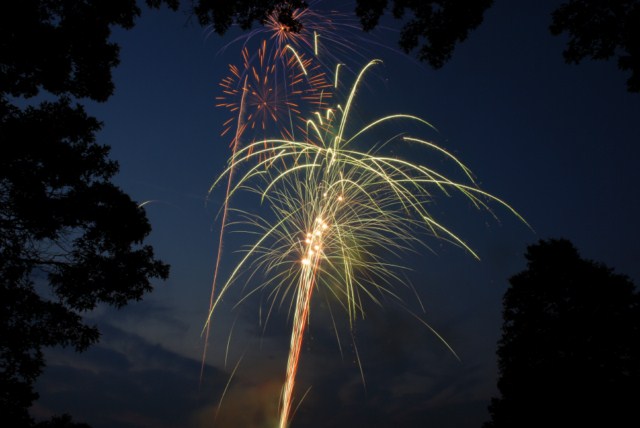
The image below is steadied by a tripod, 5 seconds, f16 at 100 ISO

Other Techniques
Set your camera to B and lock open your shutter – keep the lens covered with a dark hat and remove the hat to capture a burst then recover and repeat to capture several bursts. Just be careful not to bump your camera.
You can even zoom the lens during exposure for some interesting effects

Experiment and best of all have fun

Gallery images below shot mainly at 5 seconds, f16 at 100 ISO

Photo Excursions for June – New York Botanical Gardens

Additional information is available by clicking on any trip name listed below.

All classes include:

  • Informational session Thursday evening before the trip – photography suggestions and event preparation
  • Trip themed focus session on the Saturday before the trip – suggestions on how and what to shoot
  • Photo Critique and trip roundup at a Saturday focus session a week or two after the trip

New York Botanical Gardens Bronx, NY – Sunday, June 10, 2012
Tickets: $129.99 with registration required. Register

Register Now

Please give us a call or send an email if you have any questions about our photo excursions. Hope you can join us!


Lightroom Version 4.1 update now available

Hopefully you’ve had a chance to download and install the latest Lightroom 4 update released on May 29th. If not, now’s the perfect time to get all the latest functionality and fixes. Lightroom 4.1 has several improvements; the ability to work with HDR TIFF files, new camera support, various bug fixes and more. The new features listed below is from Adobe’s website.

Adobe downloads can be found on Adobe’s website.

Adobe Photoshop Lightroom 4.1

The Adobe® Photoshop® Lightroom® 4.1 update includes these enhancements:

• The ability to process HDR TIFF files. (16, 24 or 32-bit TIFF files)
• Additional Color Fringing corrections to help address chromatic aberration.
• Save photobooks created in the Book Module to JPEG
• Publishing photos to Adobe Revel is now accessible via a Publish plugin
• Additional camera support for several new cameras including the Canon EOS 5D Mark III, Fujifilm X-Pro1, Nikon D800, and Olympus OM-D E-M5.
• Corrections for issues introduced in previous versions of Lightroom

To get the update: Inside Lightroom just click on Help –> Check for Updates

The download is 700MB+ – Once downloaded you can complete the installation.