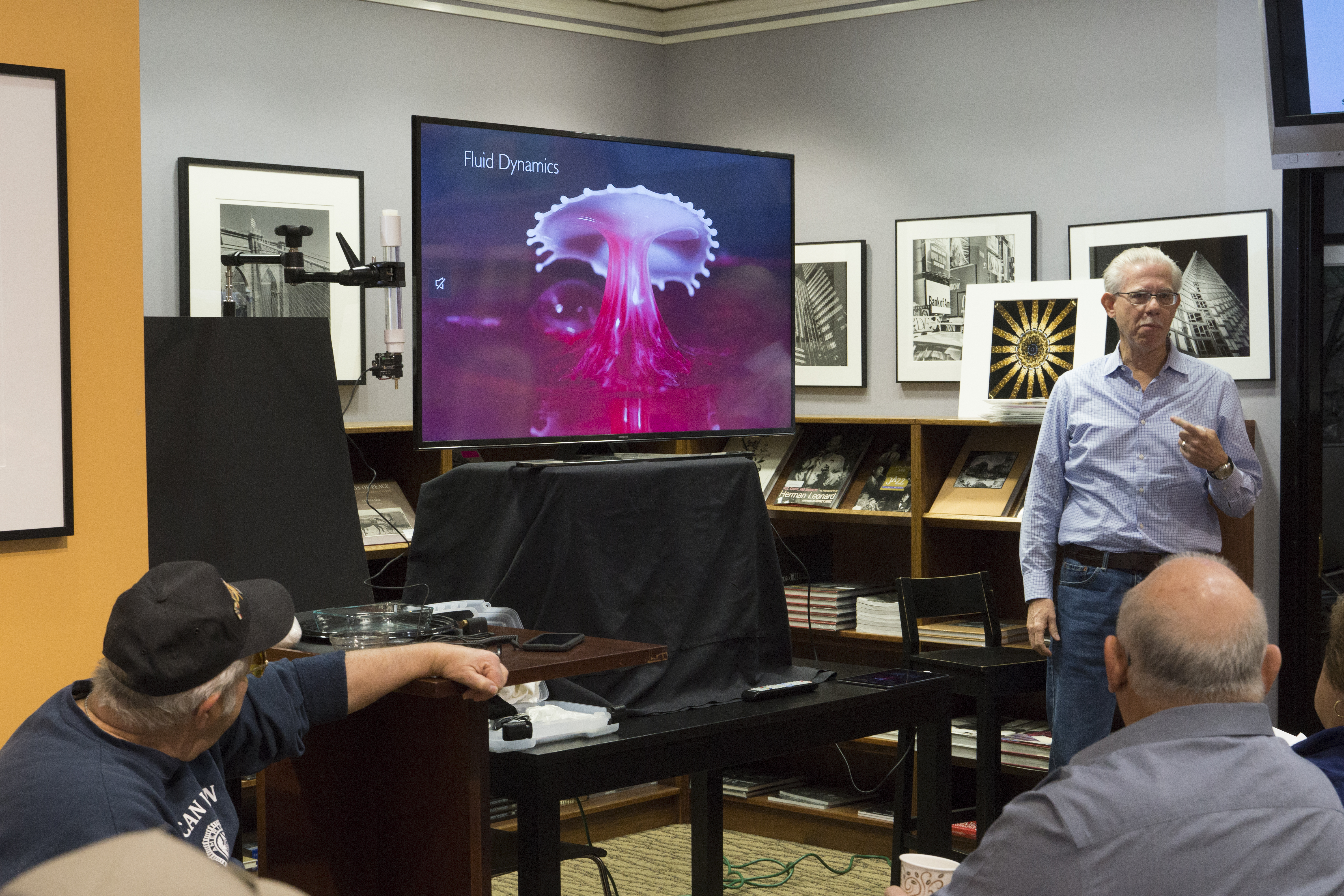
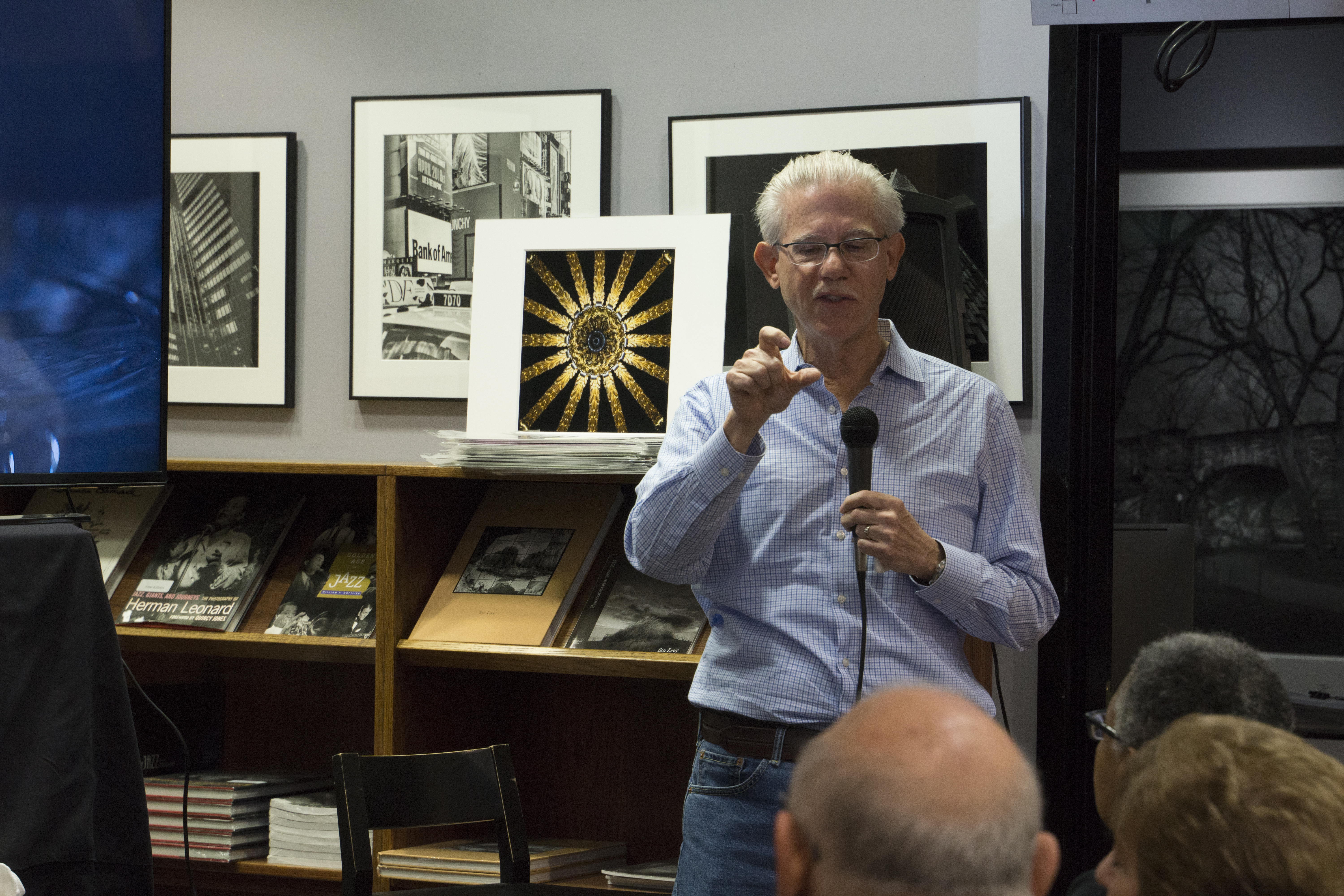
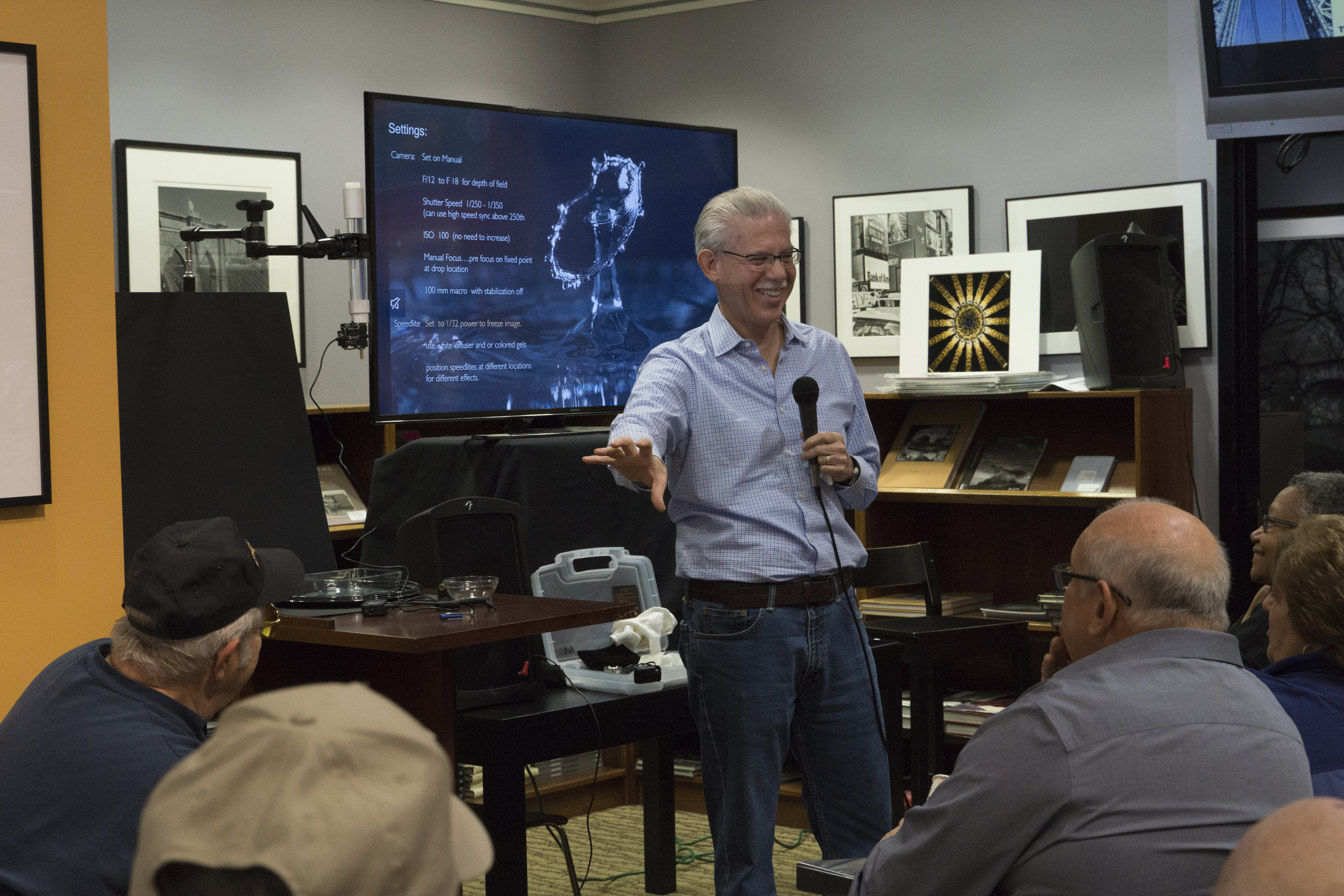
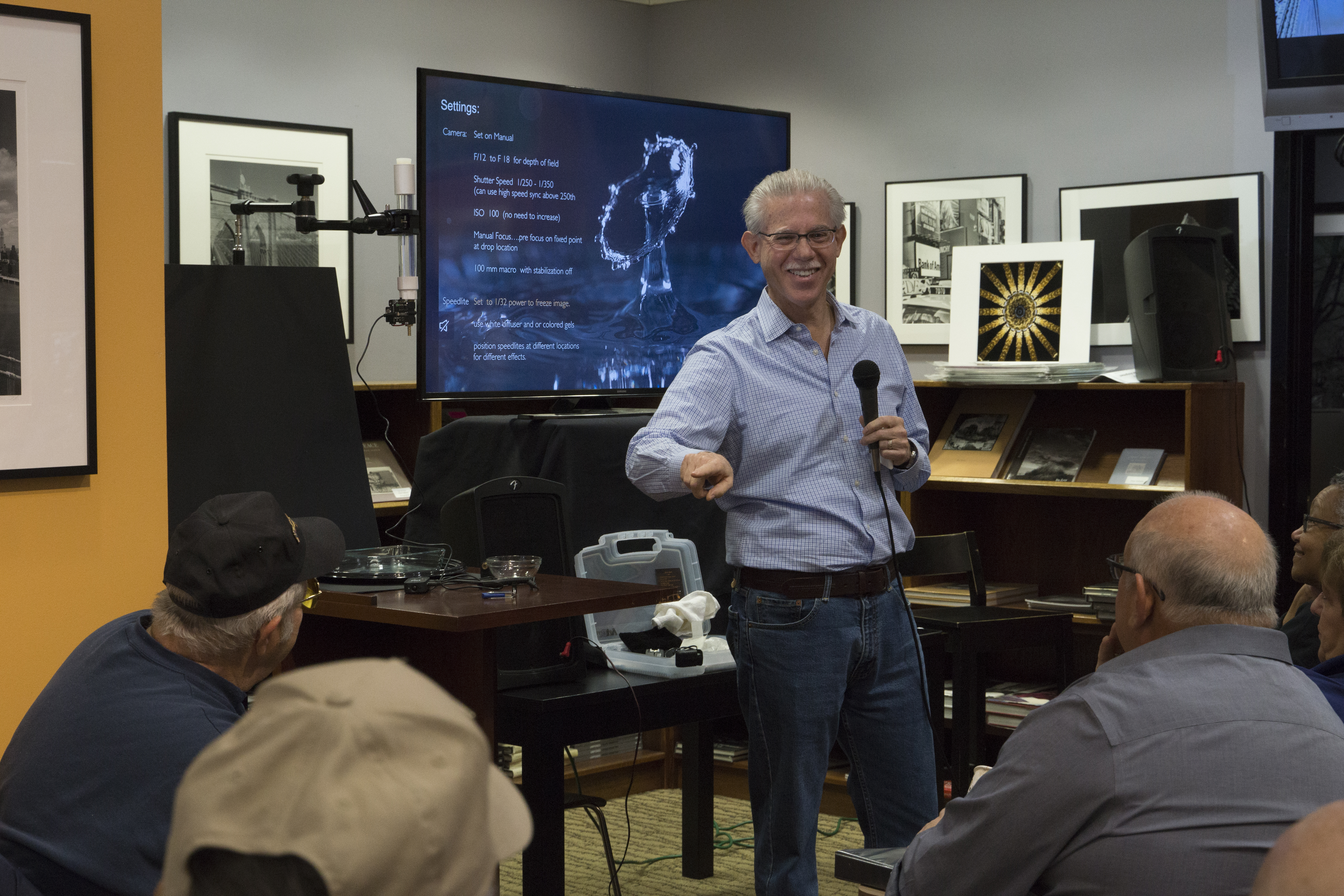
Saturday Morning Focus Sessions

All of our Focus Sessions are currently being offered online – and are free to attend!

Check out Summit for our current offerings and registration


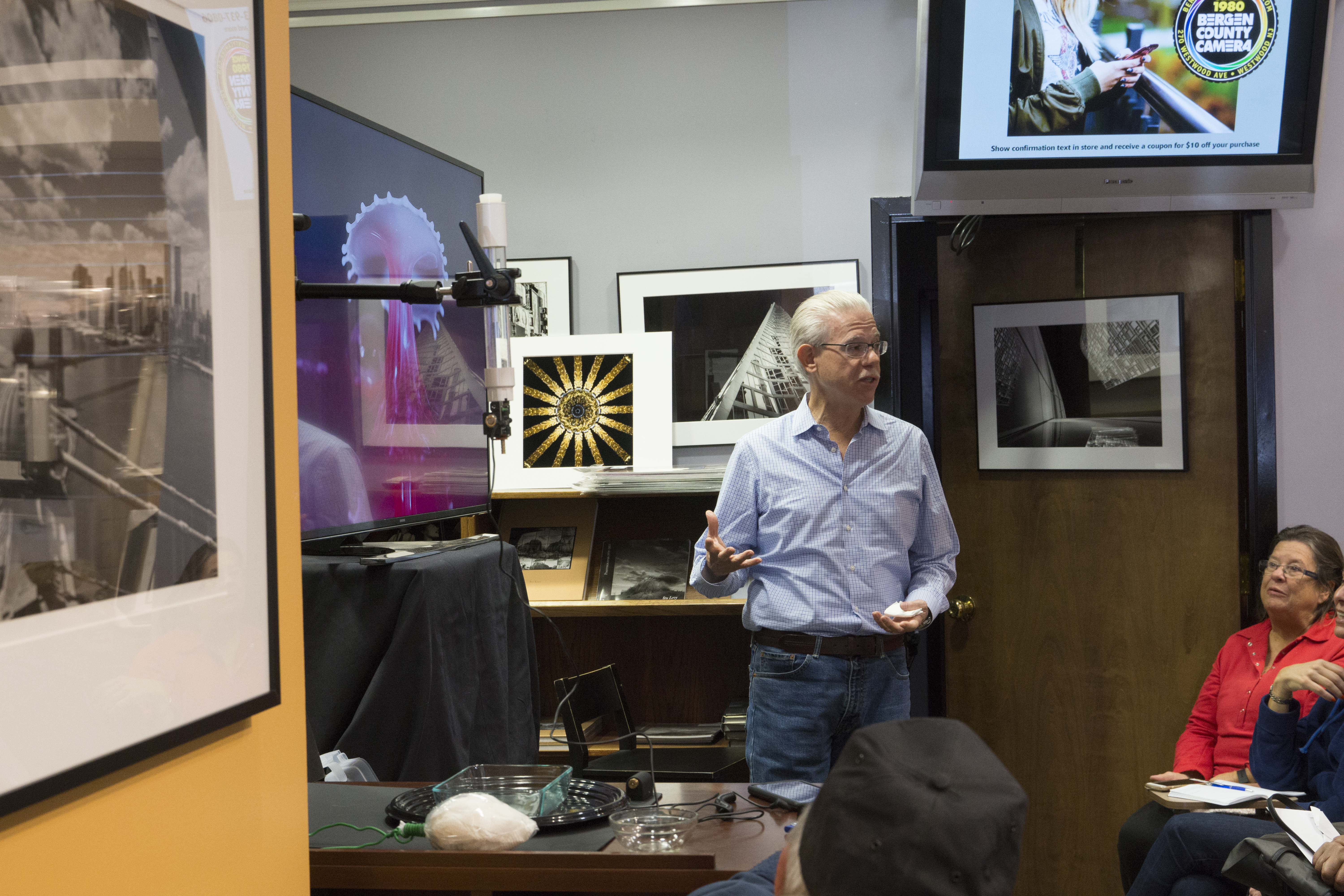
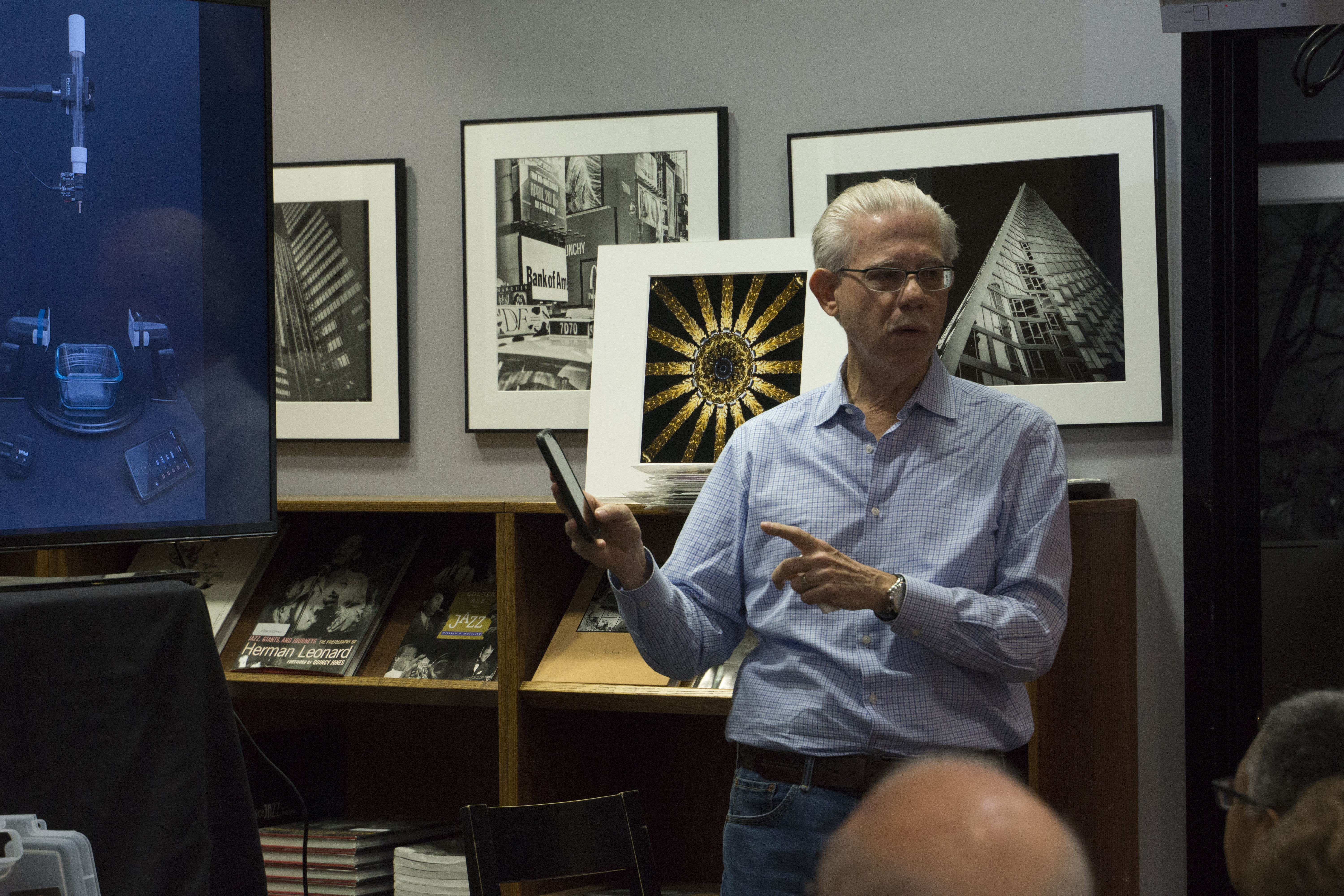
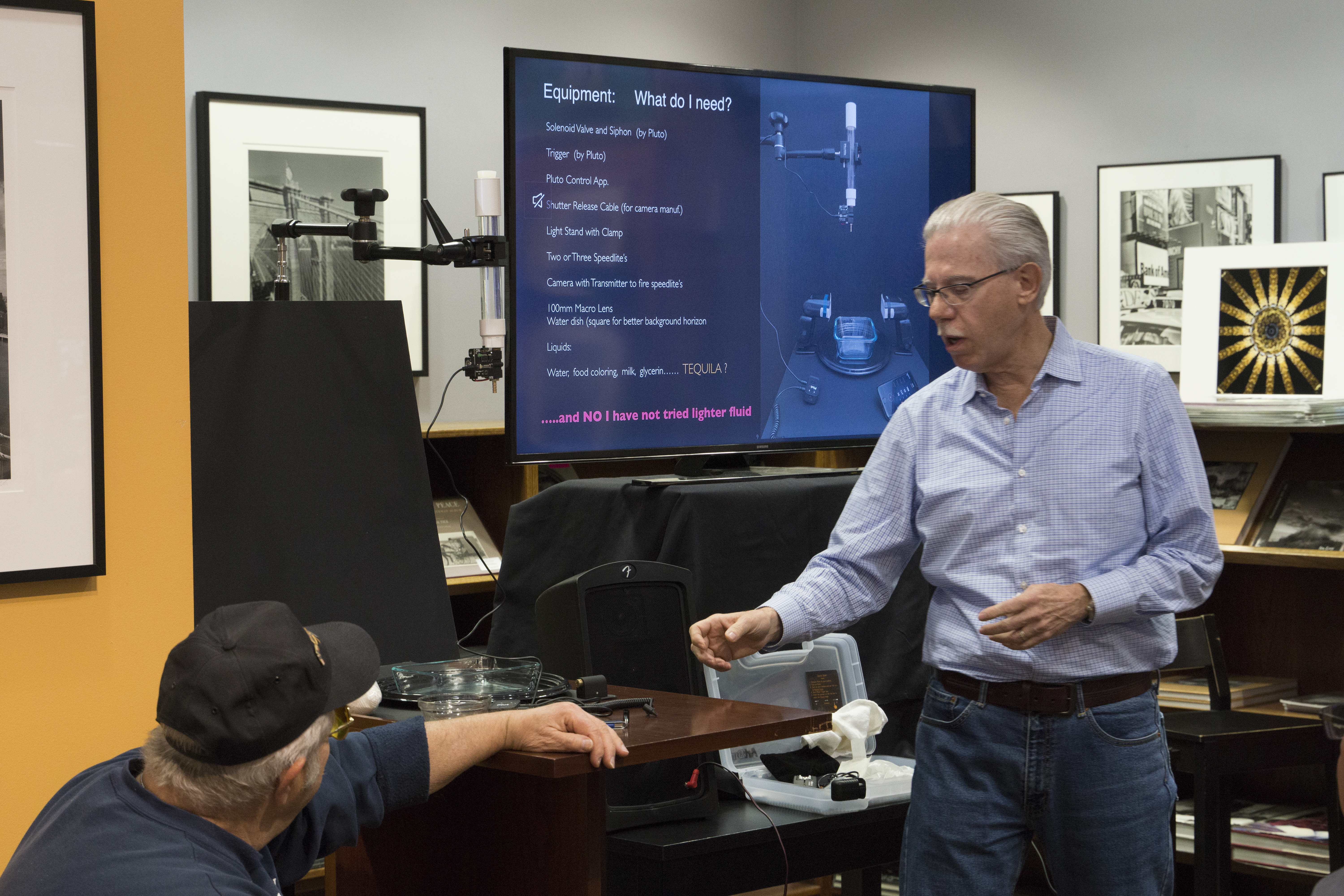
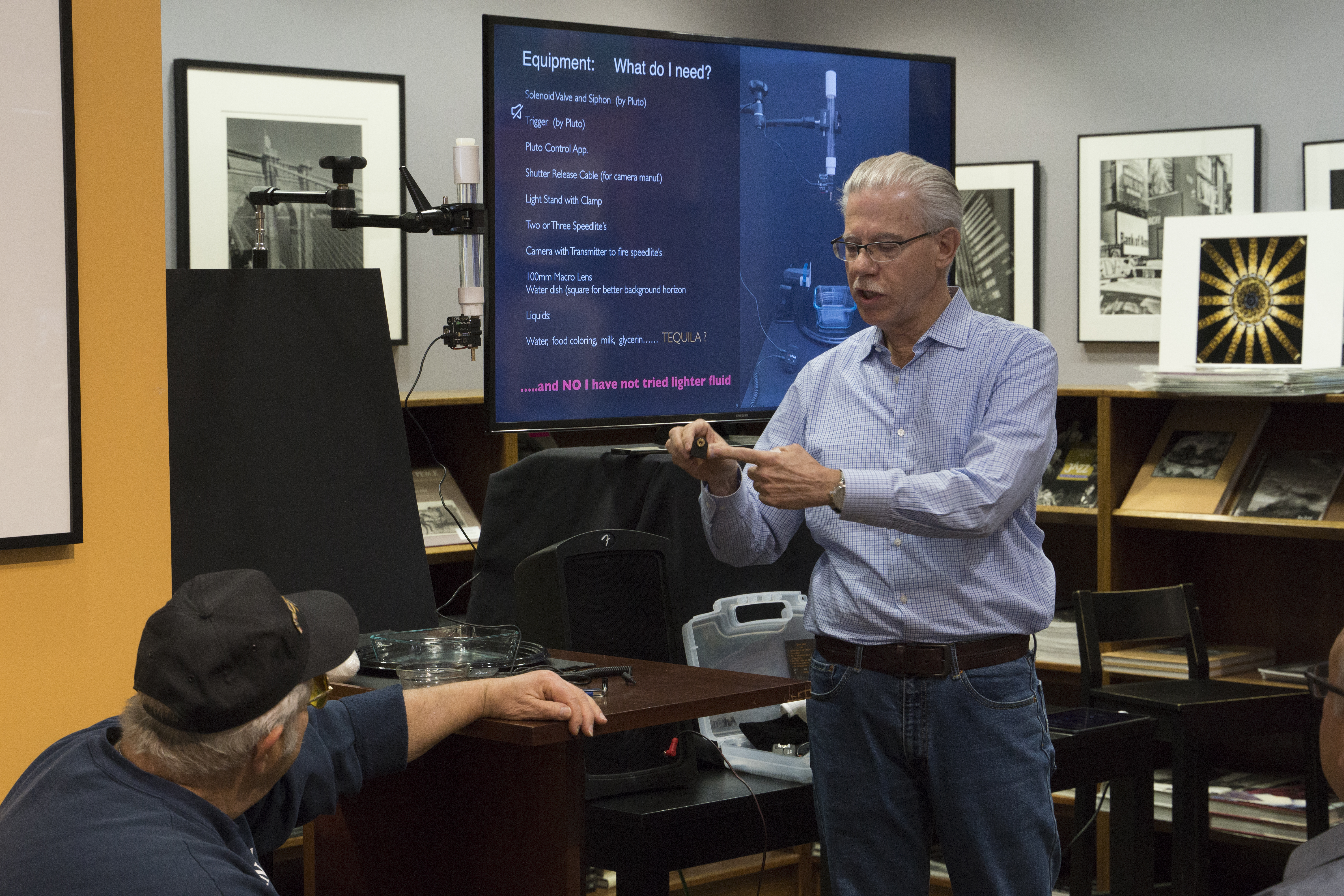
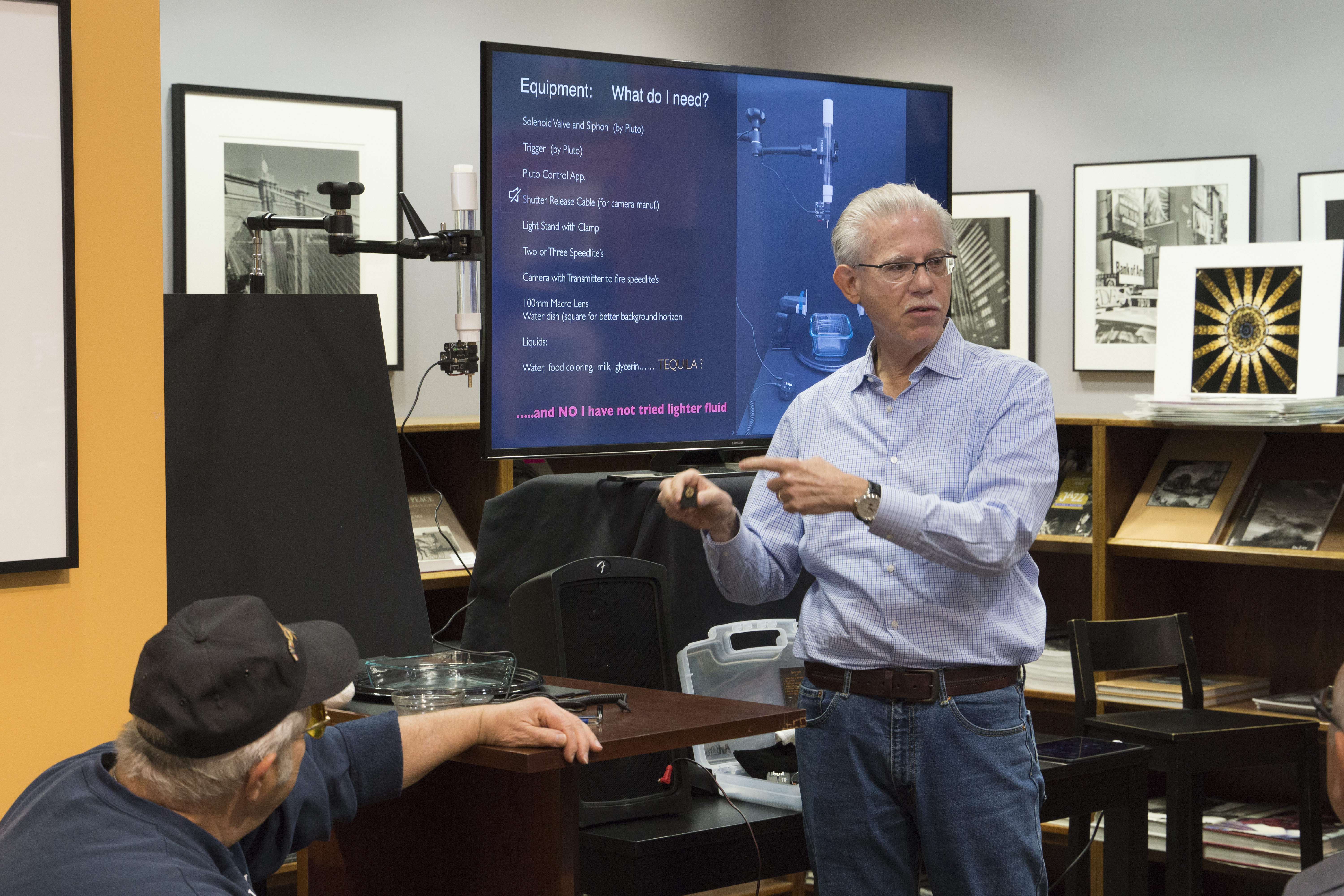
This Saturday’s Focus Session – Bergen County Horse Rescue

Focus Session: Bergen County Horse Rescue

Current Schedule:

July 25 – Bergen County Horse Rescue with Paul Carretta and Jennifer White

August 1 – TBA

August 8 – Jim Wright – Every Picture Tells a Story — More details on Summit

August 15 – TBA

August 22 – Nancy Panicucci-Roma

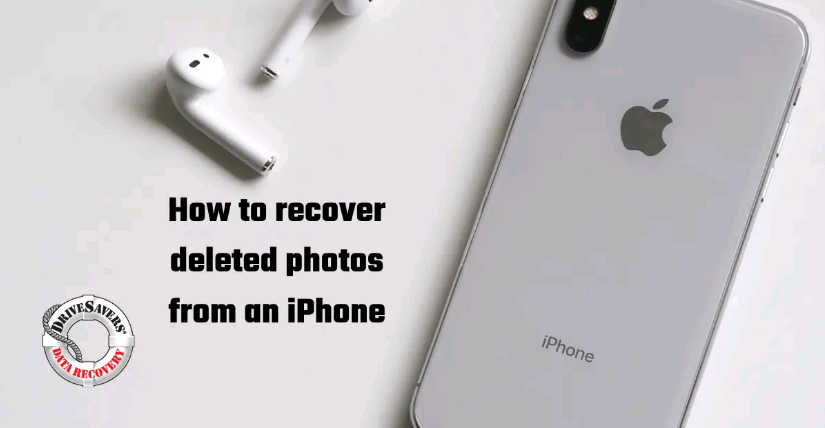
DriveSavers Tips: How to Recover Deleted iPhone Photos

How to recover deleted photos from an iPhone

Recover Deleted iPhone Photos

Americans take about 20 photos per day, and most of us have more than 600 just saved on our phones, not counting cloud-based storage systems and local hard drives. We like pictures. A lot. So what happens when they’re accidentally deleted? Do you know how to recover deleted photos from iPhone?

Fortunately, there are a few different ways to recover photos from iPhone. Here are five tried-and-true methods to find deleted photos on iPhone.

Story courtesy of DriveSavers

View another article from Drivesavers here

Read more

Portrait Tips from a BCC Pro!

What is the key to great Backgrounds for Portraits?

Photo Courtesy of Jeremy Lebled

What is the key to great backgrounds for portraits you ask? Honestly its pretty simple! The key is “less is more” and to “keep it simple”. With Portraits you want to have as few distractions from the background as possible. When you have distractions and a bunch of clutter behind your subject it will take away from the photo rather than adding to it. To make a strong portrait you do not want to distract the viewer and take away the focus on your subject. So try placing your subject on a simple, uncluttered background from the start. If that is not possible. I would suggest to either remove as much as you can from the background. Or if you are outside try to position yourself and angle your camera in different angles so you do not get random people walking in the background and so forth. Another thing that helps when you are shooting around other people outside is to shoot with a telephoto/prime lens that has a fast aperture. That will help compress and completely blur out anyone or anything in the background. So lets recap! The key to great backgrounds is “less is more” and “keep it simple”. This will immensely help your chances of getting “the shot”. Which we all love getting! Keep shooting and stay safe.

Till next time..

All my best,

Jeremy Lebled – Bergen County Camera Specialist

Camera Tips from a BCC Pro: Couples Portraits

Have you been struggling posing Couples? Try this technique!

Couple posing and smiling
Photo courtesy of Jeremy Lebled

Have you been struggling posing couples? Try this technique! When you pose a couple. You should always tell them to get in nice and close to each other. But when doing this most of the time, they almost always never get close enough to look “close”. There is usually always a little gap in between them where her head is not fully resting on his shoulder. Or there is a gap when their heads should be touching and so forth. I am sure if you go and look through your photos of past shoots you can find a few photos where you wished they were closer together. Luckily I have a quick fix for those issues! Next time you are posing a couple. Take a photo after you tell them to “get closer, get closer” and they move just a few inches but you still see a gap. Then take your camera right over to them and show them the gap on the back of your LCD monitor. Once they see the gap and realize how big the gap actually is when they thought they were already super close. They will instantly get in real close to one another and it literally will makes the entire shot for you. I can’t tell you how many times I have done this over and over and it always works fantastic. Now go out and give it a try! Let us see your images! We would love to see.

Till next time…

All my best,

Jeremy Lebled – Bergen County Camera Specialist

Press Release: New Canon Software Solution Allows Select EOS Interchangeable Lens Cameras to Function as High-Quality USB Webcam

Click here to visit Canon’s website with download instructions

MELVILLE, NY, April 28, 2020 – As virtual meetings and gatherings become the new norm, you don’t want to be caught in the dark with a low-quality webcam. Fortunately, a new solution – EOS Webcam Utility Beta software** — was unveiled today by Canon U.S.A. Inc., a leader in digital imaging solutions, for select EOS Interchangeable Lens Cameras (ILC) and PowerShot cameras. To help bring you into the light, this beta version solution converts your compatible EOS ILC and PowerShot camera through a simple USB connection into a webcam. Built by Canon software developers, this beta version software helps consumers to improve their video appearance while using popular video conferencing applications in the market, delivering clarity and high-image quality.

Read more to learn more about Canon’s Livestream Capabilities.

Read more

Alan’s Guide to Shooting Fireworks

How to Shoot Fireworks

  1. Use the bulb setting available in manual (M), see tip 17 for the finale’!
  2. Use a low ISO 100-200
  3. No long exposure noise reduction, high ISO NR can stay on, but it’s not needed
  4. F8-F11
  5. Use auto white balance
  6. No mirror lock up
  7. Use infinity focus, switch to manual focus, tape the lens focus ring @ infinity. Some lenses are not marked. Test focus in manual at farthest subject your lens can resolve sharply.
  8. O D lighting or auto lighting optimizer, these control contrast and brightness.
  9. Vivid color mode, leave saturation at normal, landscape (picture style) for Canon uses.
  10. IS-VR off, since you will be on a tripod.
  11. Metering: use matrix or evaluative
  12. Note: you will not have to meter anything for shooting (F11, ISO 100, bulb = done)
  13. Tripod, short zoom lens 18-70mm, 24-70mm, 18-105mm and a cable release (no need to lock)
  14. Tripod will possibly need to be repositioned (tilted etc) once the show starts. I’ll shoot vertical more often than horizontal.
  15. Vary zoom length for composition
  16. Fire the shutter (with a cable release) hold rather than lock. Hold for multiple bursts 2-8 or maybe more. Check the monitor, exposures should average 2-4 or 4-7 seconds, and can even be as long as 8-15 seconds. Disregard the histogram.
  17. Finale’ shots need to happen quickly in manual mode, burst or continuous 1 second, ½ second, ¼ second, 1/8 second, 1/10 second, 1/25 second, 1/30 second. These shorts can be blown out if taken for longer time periods (such as with bulb). Still maintain the F number 8-11.
  18. JPEGS or Raw? Raw is not necessary unless you feel a need to recover highlights. Shoot JPEG or raw together, or JPEG alone. Use a fast card for recovery of write speed times. Raw will offer a bit more color information too.
  19. Bring extra cards, batteries, and a mini flashlight. The show may be 30 minutes to an hour long. Be careful about inserting memory cards in the dark.
  20. Add an element of scenic interest in your picture. Bridges, skylines, crowds, etc